survey/assignments
Important: An API Key is required to work with these API Calls
List ONE assignment assigned to a user, includes customer installation details
Sample Request
http://api.verifiapp.com/survey/assignments/{API-KEY}
Sample Request for a given date
http://api.verifiapp.com/survey/assignments/{API-KEY}/{DD-MM-YYYY}
Sample Response
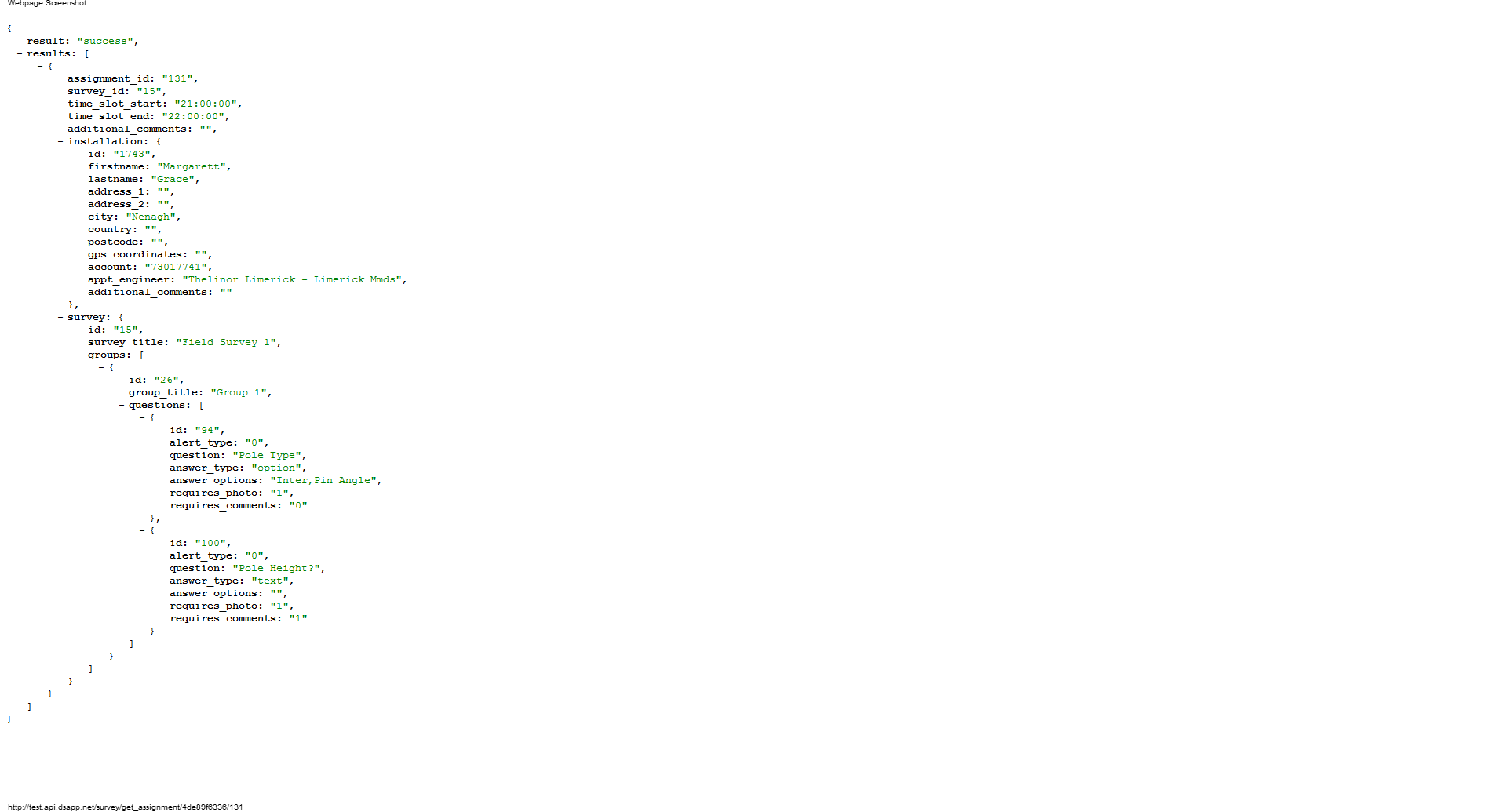
 {
  result: "success"
  -results: [
  -{
  assignment_id: "131"
  time_slot_start: "21:00:00"
  time_slot_end: "22:00:00"
  survey_id: "15"
  additional_comments: ""
  -installation: {
  id: "1743"
  firstname: "Margarett"
  lastname: "Grace"
  telephone: null
  address_1: ""
  address_2: ""
  city: "Nenagh"
  country: ""
  postcode: ""
  gps_latitude: ""
  gps_longitude: ""
  account: "73017741"
  appt_engineer: "Thelinor Limerick - Limerick Mmds"
  additional_comments: ""
  }
  }
  ]
  }
September 2013 updates:
A new type of installation is available, called "wayleave". It's got three new fields: "project_code, wayleave_no, nature_of_problem". "nature_of_problem" will not always have a value, it may contain NULL. For the other types of installation those fields are always empty.
When using the get_wayleave_answers API call, send the installation.id field.
Recent updates:
Now we've added the concept of "Disconnected Customers". This is a new type of customer, it shouldn't affect too much to the code of the mobile application.
Normally, a user that sees disconnected customers will not see normal customers, so there is no problem if we mix both types here.
The output of this API call will have three new fields:
- assignment_order: This is the field to use to order the results. Disconnected customers should be ordered using this value (customized by Teo in the web app). For normal customers this field may be useful to re-order the list in case that you receive it unordered.
- type: (scheduled/disconnected). The type of customer. "Scheduled customers" are the normal customers. For "disconnected customers" everything is the same but the only difference is that the tasks don't have date+time, they just have date. You just have to get the date of the time_slot_start, ignoring the hour.
- in the installation array, a new field called "status" will be available but only for disconnected customers. This field is very important for Teo and it has to be shown on the list when the customer is disconnected. When the customer is normal, don't show this field because it will always be empty.
Successful Response Reference
A successful response will return the following item in a JSON array
| Preference | Description |
|---|---|
| result | success |
| results | An array containing the following information: |
| assignment_id | The unique survey ID |
| time_slot_start | The time slot when the survey should take place |
| time_slot_end | |
| survey_id | The ID of the owner of the survey |
| additional_comments | A space for additional comments for an assignment |
| installation | An array containing customer installation location information |
| id | The Installation ID |
| firstname | The first name of the customer/installation |
| lastname | The surname of the customer/installation |
| address_1 | Customer installation address |
| address_2 | |
| city | |
| country | |
| postcode | |
| gps_latitude | Latitude |
| gps_longitude | Longitude |
| account | The account number of the customer/installation |
| appt_engineer | The engineer at customer/installation |
| additional_comments | Additional comments relating to a customer installation |
Unsuccessful Response Reference
A unsuccessful response will return the following items in a JSON array
| Preference | Description | Sample response |
|---|---|---|
| result | error | |
| error | The specific error is described in the response | Invalid API Key |